 saveIt
a Parkinsad product
saveIt
a Parkinsad product
Name your price. Get told when it drops.
Share any product page to saveIt and it keeps watch from your own iPhone. The moment a shop reaches the price you'd pay, you hear about it. No account, and your watchlist never leaves your phone.
Three moves, and the third one is ours.
Share the page
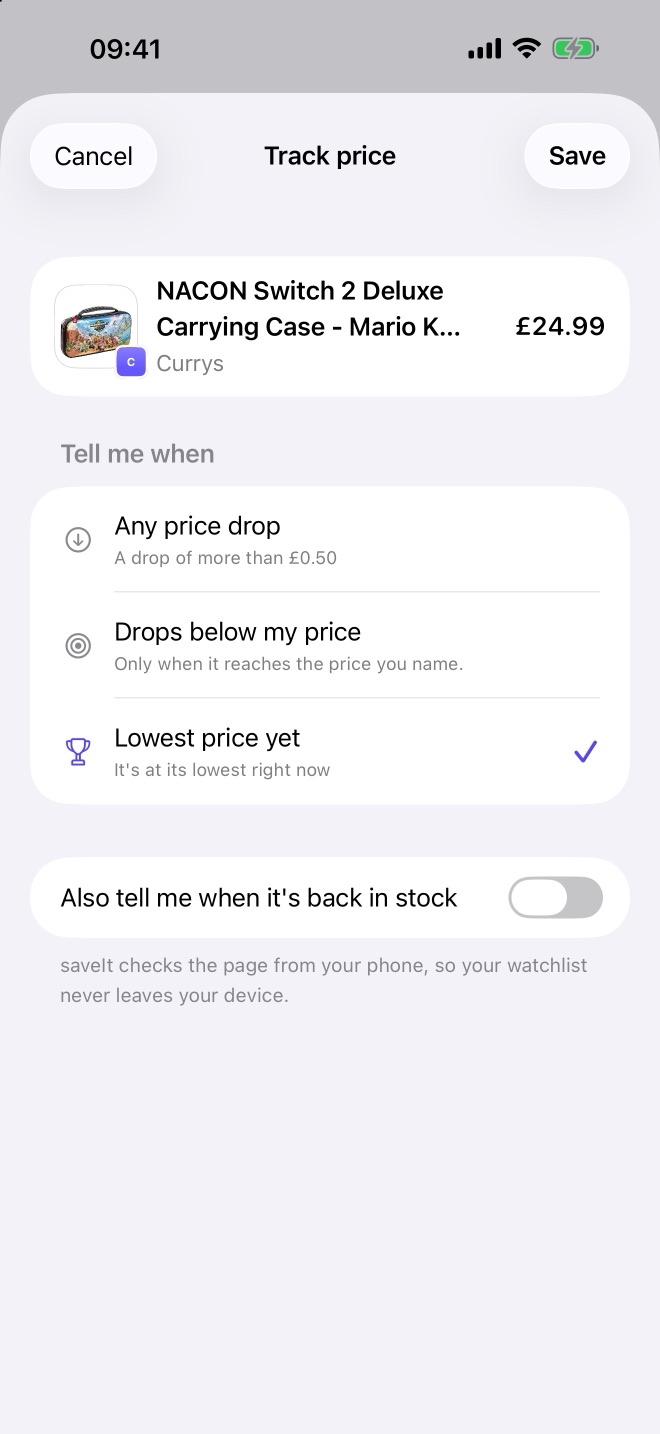
In Safari or a shop's app, tap Share and choose saveIt. Or paste a link, pick a screenshot of the page, or scan a QR code. Then say when you want to hear: below a price you name, at any real drop, or at its lowest yet.
Your phone does the checking
The page is fetched from your device, the way Safari would fetch it, and the price is read from the shop's own page. There's no server of ours in the middle, and every price says when it was last read.
One alert, when it matters
A drop is news the day it happens, and pennies are ignored. If it falls further, that's news again. Glance at a widget, ask Siri what's ready to buy, or choose how loud saveIt may be in each Focus.
A watchlist that tells you what's ready to buy.
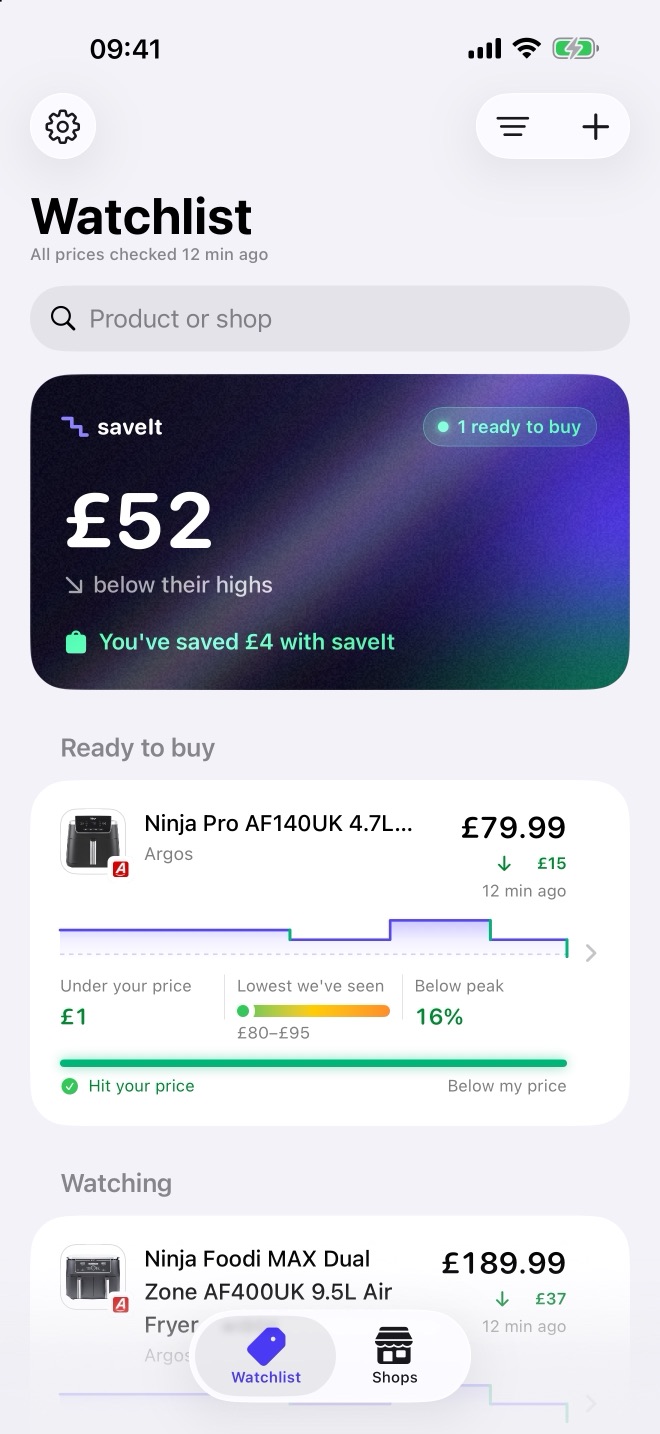
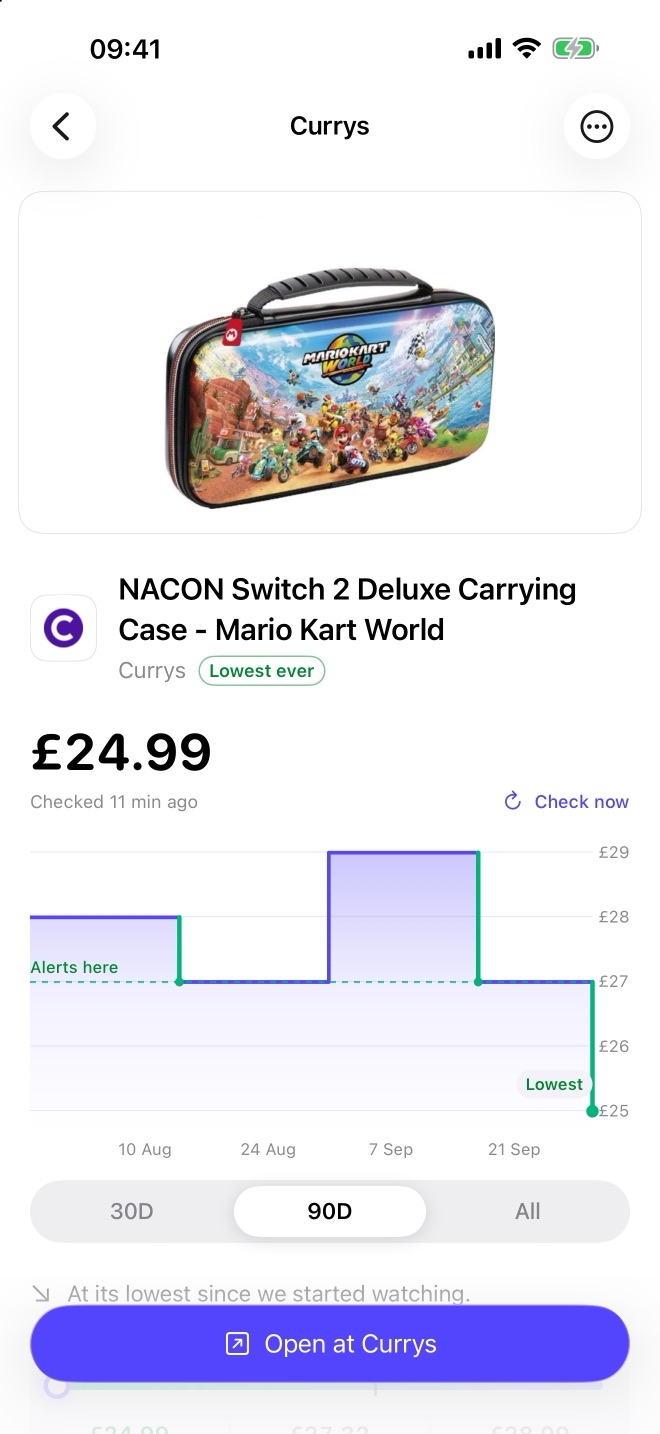
Small on purpose, and all of it free.
- Three alert rulesWhen a price hits your number, drops at all, or reaches its lowest yet.
- Back in stockHear when something that sold out can be bought again.
- Price historyA chart for everything you track, with its lowest, average and highest.
- Many ways inThe Share sheet, a pasted link, a screenshot or a QR code.
- Local shops, 54 countriesThe chains people there would name themselves, each marked once it's been read from a phone.
- Catches up by itselfA price a fresh check would fix is checked again while the app is open, or with one tap.
- Barcode checkScan a product in a shop to see whether you're already watching it.
- Widgets and ControlsHome Screen and Lock Screen widgets, and a Control Centre button.
- Siri and SpotlightAsk “What's ready to buy in saveIt?”, or find a product from Search.
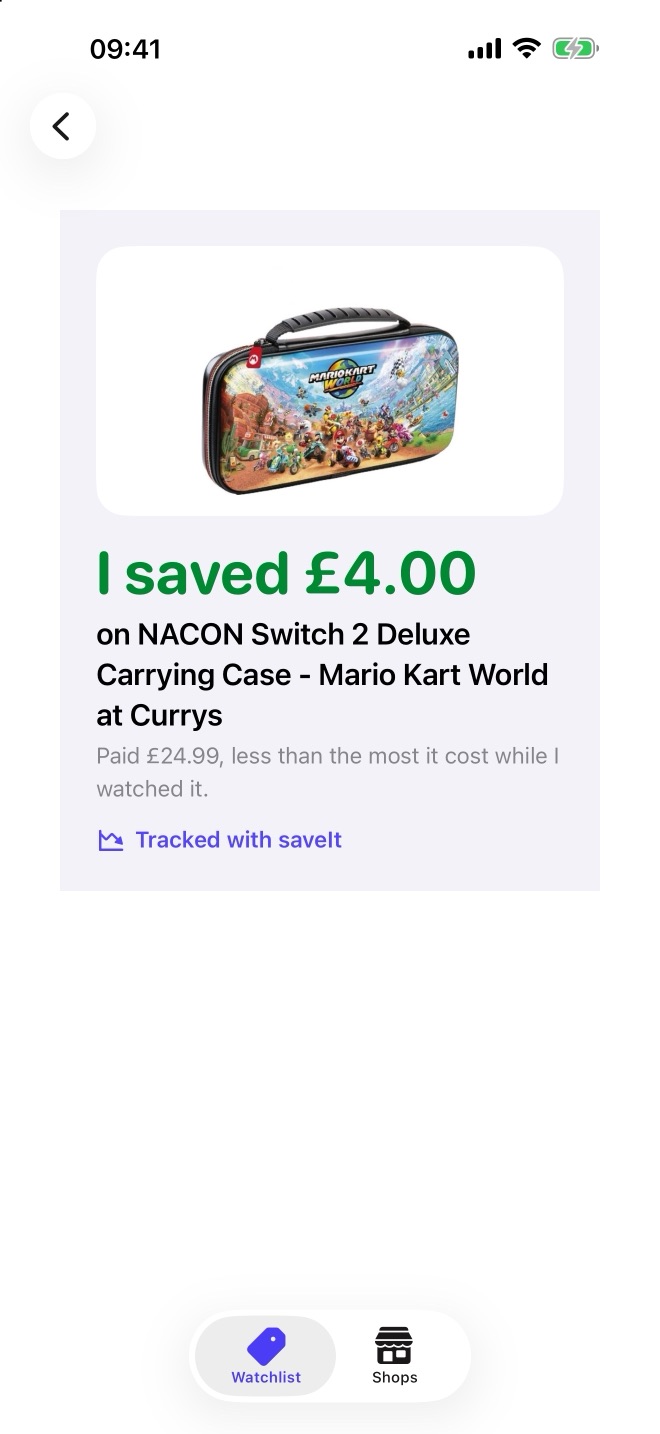
- I bought itRecord what you paid, see what saveIt has saved you, and share the win.
- Seventeen languagesFrom Arabic to Vietnamese, with prices in each shop's own currency.
- Made to be readiPhone and iPad, light and dark, every text size, and Reduce Motion respected.
Built to be trusted with an interruption.
Two limits, stated up front. Some shops turn away automated checks, or build their pages in a way saveIt can't read even after drawing the page itself. saveIt says which, rather than guessing. And iOS decides when apps may work in the background, so a 3am flash sale can be missed.
Both are real, both are shown in the app, and neither is hidden behind a paywall. Questions go to support.